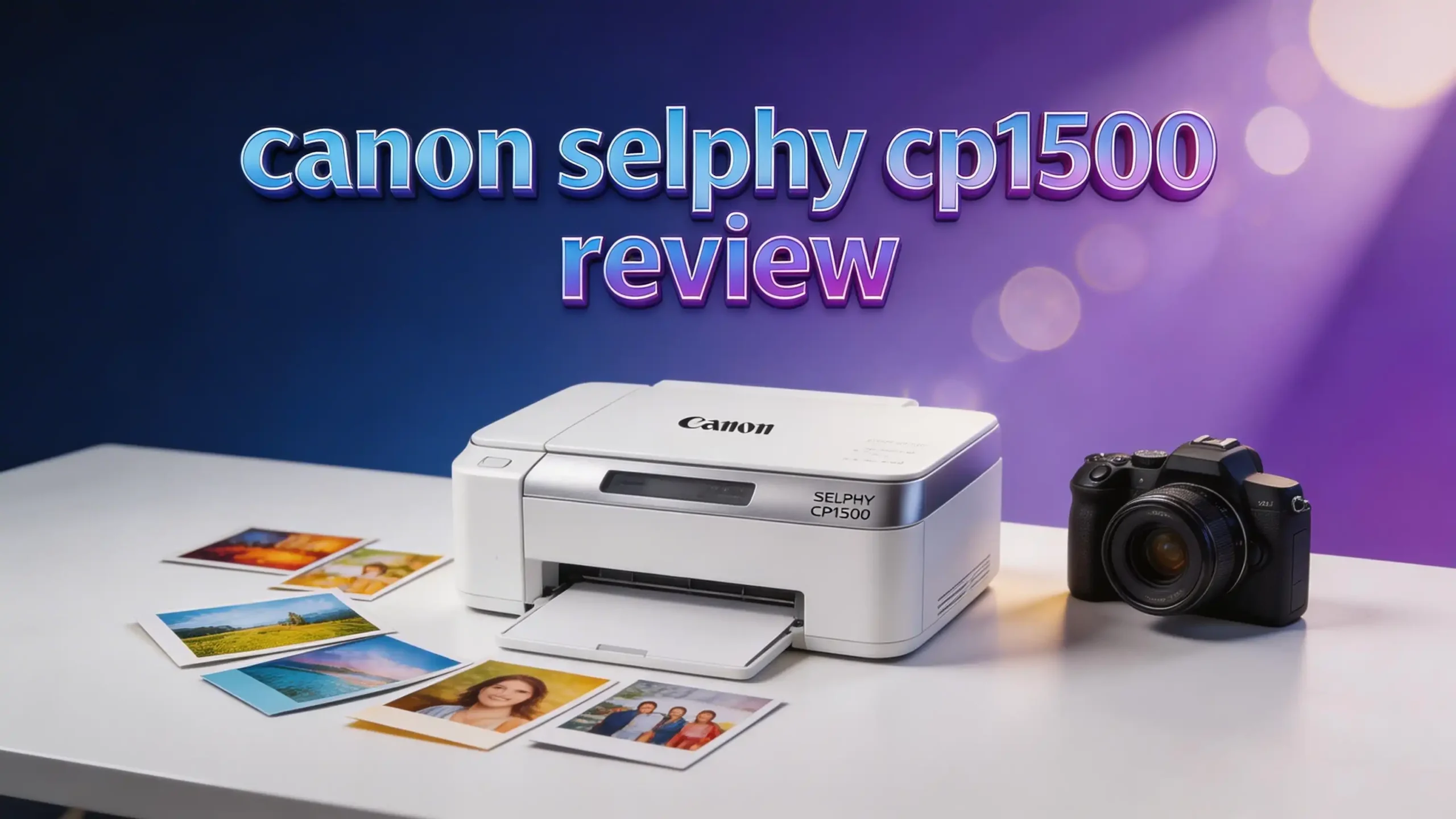
Canon SELPHY CP1500 Review 2026: Still Worth It?
Do you want to print beautiful 4×6 photos right from your phone? The Canon SELPHY CP1500 has been a favorite compact photo printer since its launch. In 2026, it still holds a strong spot in the market.
This printer uses dye-sublimation technology to produce vivid, lab-quality photos. It connects through Wi-Fi, USB, and even works with your smartphone. The prints dry instantly and can last up to 100 years.
In this review, we break down everything you need to know. We cover print quality, speed, cost per print, portability, and much more.
Key Takeaways
- The Canon SELPHY CP1500 prints 4×6 photos in about 41 seconds. It uses dye-sublimation printing to create vivid, full-color images at 300×300 dpi. This speed makes it great for both home use and small events.
- Wi-Fi and smartphone connectivity make printing easy. You can print directly from an iPhone or Android device using the free Canon SELPHY Layout app. No cables are needed for wireless printing.
- Each print costs roughly 43 cents using Canon’s official paper and ink sets. This price is reasonable for the quality you get. The RP-108 kit provides 108 sheets and ink for about $46.
- Prints can last up to 100 years without fading. The dye-sublimation process adds a protective overcoat to each photo. This layer guards against water, fingerprints, and UV damage.
- The printer is compact and lightweight at only 1.8 pounds. It measures about 7.1 x 5.2 x 2.3 inches. An optional battery pack lets you print on the go without a wall outlet.
- It supports four print sizes including stickers. You can print in 4×6, 3.5×4.7, 2.1×3.4 (card size), and 2.1×2.1 (square stickers). This gives you flexibility for different creative projects.
Canon SELPHY CP1500 Overview

- The sleek and modern design of the SELPHY CP1500 is reflected in how easy it is to use even with powerful features such...
- Thanks to a small footprint, the SELPHY CP1500 is incredibly portable, and with an optional battery back, you can print...
Last update on 2026-07-10 / Affiliate links / Images from Amazon Product Advertising API
The Canon SELPHY CP1500 is a compact dye-sublimation photo printer. Canon released it in September 2022 as the successor to the popular CP1300. It comes in black and white color options.
This printer targets home users, hobbyists, and event photographers. It is small enough to carry in a bag. The body weighs just 1.8 pounds without the paper cassette.
Canon built a 3.5-inch tilting LCD screen into the top of the printer. This screen lets you preview photos, apply filters, and adjust settings without a phone. You can add sepia or black-and-white effects directly on the device.
The SELPHY CP1500 connects through Wi-Fi, USB-C, and SD card. It also works with Apple AirPrint for quick iPhone printing. The Canon SELPHY Layout app offers templates, collages, and ID photo layouts.
Print Quality and Color Accuracy
Print quality is the biggest strength of the Canon SELPHY CP1500. It prints at 300×300 dpi with 256 shades per color. This creates smooth gradients and sharp details on every photo.
The dye-sublimation process works in four passes. The printer applies yellow, magenta, and cyan dye layers one at a time. A final clear overcoat seals the image. This overcoat protects against water splashes, fingerprints, and UV fading.
Colors look vibrant and true to life. Skin tones appear natural and warm. Landscapes pop with rich greens and blues. The automatic color correction feature adjusts brightness and contrast for each photo.
Black-and-white prints also perform well on this printer. Tonal range is smooth from deep blacks to bright whites. Many users report that the monochrome output is surprisingly accurate for a compact printer at this price point.
Print Speed and Efficiency
The Canon SELPHY CP1500 prints a standard 4×6 photo in about 41 seconds. Smaller card-size prints take around 23 seconds. This speed is solid for a portable dye-sublimation printer.
Each printing cycle processes one photo at a time. The paper feeds through the printer multiple times for each color pass. You will hear the paper move back and forth during this process. It is normal and part of how dye-sublimation works.
For event use, you can print steadily without long cool-down periods. The printer handles continuous printing well. Many event photographers use it to hand out prints at weddings, birthday parties, and photo booths.
The warm-up time is minimal. The printer is ready to go within seconds of powering on. This makes it practical for quick, spontaneous printing at home or at gatherings.
Top 3 Alternatives for Canon SELPHY CP1500
If you want to explore other options before buying, here are three strong alternatives to the Canon SELPHY CP1500.
1. Canon SELPHY QX20

- Compact and portable photo printer with built-in battery and integrated paper tray.
- Prints on Canon’s new XC-20L (2.1” x 3.4”) Card-size sticker paper as well as with the existing XS-20L (2.7” x...
Last update on 2026-08-06 / Affiliate links / Images from Amazon Product Advertising API
The Canon SELPHY QX20 is a smaller, pocket-friendly printer from Canon. It prints 2.1×3.4 card-size stickers and 2.7×2.7 square prints. It has a built-in battery and works through a smartphone app. This is a great pick if you want a truly portable option for stickers and small prints.
2. Kodak Dock Plus 4×6

- Dock Photo Printer: The KODAK Dock Plus is a home photo printer that produces high-quality 4x6” prints directly from...
- Genuine 4PASS dye sublimation printing: Each photo is produced in three color layers and finished with a clear...
Last update on 2026-08-06 / Affiliate links / Images from Amazon Product Advertising API
The Kodak Dock Plus prints 4×6 photos using 4Pass dye-sublimation technology. It features a phone docking station and Bluetooth connectivity. The cost per print is slightly lower than the Canon SELPHY CP1500. It is a solid choice for users who want a direct competitor at a similar price.
3. Liene Amber M100 4×6

- Wonderful Photo Quality; Compared with the traditional picture printers, Liene photo printer prints photos (4x...
- Great Functionality; No paper jam anymore! Photo paper can align with the picture printer and successfully thread it...
Last update on 2026-08-06 / Affiliate links / Images from Amazon Product Advertising API
The Liene Amber M100 prints 4×6 photos with thermal dye-sublimation technology. It supports both iOS and Android devices. Bundle options with extra paper and cartridges make it budget-friendly. This is a good choice if you print in high volume and want to save on supplies.
Connectivity Options
The Canon SELPHY CP1500 gives you several ways to connect and print. Wi-Fi is the most popular method. You can link the printer to your phone or tablet without any cables.
The printer supports Apple AirPrint for iPhone and iPad users. Android users can connect through the Canon SELPHY Layout app. Both options work smoothly and require minimal setup.
A USB-C port is available for direct computer connections. This is helpful if you want to print from a laptop or desktop. The previous CP1300 model used a micro-USB port, so this is a welcome upgrade.
You can also insert an SD memory card directly into the printer. This lets you print photos from a camera without needing a phone or computer. The built-in LCD screen lets you browse and select images from the card.
Canon SELPHY Layout App
The free Canon SELPHY Layout app is a useful companion for this printer. It is available for both iOS and Android devices. The app lets you select photos, create layouts, and add fun effects.
You can create collages, ID photos, and bordered prints through the app. It offers preset templates for different occasions. The passport photo feature is especially popular among users who need quick ID photos at home.
The app also lets you add text, stamps, and frames to your prints. You can adjust brightness, contrast, and saturation before printing. These editing tools are basic but effective for quick touch-ups.
Connection between the app and the printer is fast and reliable. Most users report a smooth experience with minimal lag. The app updates regularly and stays compatible with newer phone operating systems.
Paper and Ink Costs
Running costs matter for any photo printer. The Canon SELPHY CP1500 uses proprietary ink and paper sets. You cannot use third-party paper or ink without risking quality issues.
The most popular set is the RP-108, which includes 108 sheets and ink for about $46. This works out to roughly 43 cents per 4×6 print. The KP-108IN set is also available at a similar price point.
For smaller prints, Canon offers the KC-18IF set with 18 credit-card-size sticker sheets. There is also the KC-36IP set with 36 card-size prints. These specialty sets cost more per print than the standard 4×6 option.
The cost per print is reasonable compared to drugstore prints. However, it is higher than some competitors like the Kodak Dock Plus. Canon’s print quality and longevity help justify the price difference for most users.
Portability and Build Quality
The Canon SELPHY CP1500 is one of the most portable 4×6 photo printers available. It measures 7.1 x 5.2 x 2.3 inches and weighs just 1.8 pounds. You can easily toss it into a backpack or travel bag.
The plastic body feels solid and well-built. The tilting LCD screen is sturdy. The paper cassette locks into place firmly. Canon designed this printer to handle frequent transport without breaking down.
An optional NB-CP2LI battery pack lets you print without a power outlet. This is perfect for outdoor events, picnics, and parties. One charge provides enough power for several dozen prints.
The compact power adapter included in the box is small and lightweight. It adds minimal bulk to your travel kit. The overall package makes the SELPHY CP1500 a reliable choice for printing on the go.
Built-in Display and Controls
The 3.5-inch tilting LCD screen on the Canon SELPHY CP1500 sets it apart from many competitors. Most compact photo printers do not include a display this size. It adds genuine value for standalone use.
You can browse photos stored on an SD card directly on the screen. The display shows a clear preview of each image before printing. This helps you avoid wasting paper on unwanted shots.
The screen also lets you apply filters and effects without a phone. Options include sepia, black-and-white, and vivid color modes. You can crop and adjust images right on the printer.
Physical buttons sit below the display for easy control. The interface is simple and intuitive. Most users can operate the printer within minutes of opening the box, even without reading the manual.
Who Should Buy the Canon SELPHY CP1500?

- The sleek and modern design of the SELPHY CP1500 is reflected in how easy it is to use even with powerful features such...
- Thanks to a small footprint, the SELPHY CP1500 is incredibly portable, and with an optional battery back, you can print...
Last update on 2026-07-10 / Affiliate links / Images from Amazon Product Advertising API
This printer suits a wide range of users. Scrapbook enthusiasts love it for producing quick, high-quality prints for journals and memory books. The sticker paper option adds even more creative possibilities.
Event photographers find it useful for printing on-site keepsakes. Wedding photo booths, birthday parties, and corporate events are common use cases. The 41-second print time keeps guests happy.
Parents and families benefit from having a dedicated photo printer at home. You can print vacation photos, school pictures, and holiday cards without a trip to the store. The results look professional.
Hobbyist photographers who shoot with cameras can print directly from SD cards. This makes it a great addition to a home studio or workspace. If you want affordable, reliable, and attractive 4×6 prints, this printer delivers.
Canon SELPHY CP1500 vs. CP1300
Many buyers wonder if upgrading from the CP1300 to the CP1500 is worth it. The differences are small but meaningful. Here is what changed between the two models.
The CP1500 features a USB-C port instead of the older micro-USB. This is a practical upgrade for modern devices. The new model also has an updated user interface on its LCD screen.
Print quality between the two models is nearly identical. Both use the same dye-sublimation process and produce similar color output. You will not notice a major quality jump from the CP1300 to the CP1500.
The CP1500 adds an automatic color correction feature that fine-tunes each image before printing. The body design is slightly refreshed with sharper edges and a cleaner look. If you already own the CP1300 and it works well, upgrading is not essential. For new buyers, the CP1500 is the clear choice.
Pros and Cons of the Canon SELPHY CP1500
Every product has strengths and weaknesses. Here is an honest breakdown of what works and what does not on the Canon SELPHY CP1500.
On the positive side, print quality is excellent for a compact printer. The dye-sublimation process produces colors that rival professional lab prints. The protective overcoat adds durability. Wi-Fi and AirPrint connectivity work smoothly. The built-in LCD screen is a genuine bonus. The printer is lightweight and easy to carry.
On the downside, you can only use Canon’s proprietary paper and ink. This limits your options and keeps running costs slightly higher. The printer only supports sizes up to 4×6 inches. If you want larger prints, you need a different printer. Print speed at 41 seconds per photo may feel slow during high-volume events.
The lack of a built-in battery in the base model is also a drawback. You need to buy the battery pack separately. Despite these issues, the overall package remains strong for its price and purpose.
Is the Canon SELPHY CP1500 Still Worth Buying in 2026?
The Canon SELPHY CP1500 remains a top choice for compact photo printing in 2026. It continues to earn recommendations from major review outlets like Wirecutter and PCMag. The combination of print quality, portability, and ease of use is hard to beat.
New competitors have entered the market since 2022. But few match the SELPHY CP1500’s blend of features at its price point. The long-lasting prints, versatile connectivity, and useful companion app keep it relevant.
If you print photos regularly at home or at events, this printer is a smart buy. The cost per print is fair. The results look great in frames, albums, and scrapbooks. It remains one of the best compact photo printers you can buy today.
For users who need smaller sticker prints, the Canon SELPHY QX20 is a good companion. But for standard 4×6 photos, the CP1500 still leads the pack in its category.
How to Get the Best Results from Your SELPHY CP1500
A few simple tips will help you get the most out of this printer. Always use Canon’s official paper and ink sets. Third-party supplies may cause jams, color issues, or damage to the printer.
Store your paper in a cool, dry place. Humidity can affect print quality and cause paper to curl. Keep unused paper sealed in its original packaging until you are ready to print.
Use the Canon SELPHY Layout app to adjust your photos before printing. Even small tweaks to brightness and contrast can improve your final print. The app’s crop tool helps you frame your shot perfectly.
Clean the inside of the printer occasionally. Dust can affect print quality over time. A soft, dry cloth works well for wiping down the paper tray and interior surfaces. Taking care of your printer ensures consistent, beautiful results for years to come.
Final Verdict on the Canon SELPHY CP1500
The Canon SELPHY CP1500 earns a strong recommendation in 2026. It prints vibrant, long-lasting 4×6 photos with minimal effort. The compact size makes it easy to use at home or carry to events.
The combination of Wi-Fi, AirPrint, USB-C, and SD card support covers every connection need. The built-in LCD screen is a standout feature that most competitors lack. Print quality remains among the best in this class.
Running costs are reasonable at about 43 cents per print. The proprietary paper requirement is a minor inconvenience. But the print quality and durability make the trade-off acceptable.
If you want a reliable, portable, and high-quality compact photo printer, the Canon SELPHY CP1500 delivers. It has proven itself over several years and continues to perform well against newer alternatives. This is a printer you can trust with your favorite memories.
FAQ
How much does the Canon SELPHY CP1500 cost?
The Canon SELPHY CP1500 typically sells for around $120 to $170 depending on the retailer and any bundled accessories. Prices may vary based on sales and promotions. Bundles with extra paper and ink sets offer better overall value.
Can the Canon SELPHY CP1500 print from an iPhone?
Yes, the Canon SELPHY CP1500 supports Apple AirPrint and the Canon SELPHY Layout app. You can print directly from your iPhone without installing additional drivers. Simply connect to the printer through Wi-Fi and send your photos.
What paper sizes does the Canon SELPHY CP1500 support?
The printer supports four sizes: 4×6 inches (postcard), 3.5×4.7 inches (wide), 2.1×3.4 inches (card/sticker), and 2.1×2.1 inches (square sticker). Each size requires its own specific paper cassette and matching ink/paper set.
How long do Canon SELPHY CP1500 prints last?
Canon states that prints can last up to 100 years under proper storage conditions. The dye-sublimation overcoat protects each photo from water, UV light, and fingerprints. Keeping prints away from direct sunlight and extreme humidity helps extend their lifespan.
Does the Canon SELPHY CP1500 have a battery?
The printer does not include a battery in the box. However, you can buy the optional NB-CP2LI battery pack separately. This battery lets you print without being plugged into a wall outlet, which is ideal for outdoor use and events.
Is the Canon SELPHY CP1500 good for events?
Yes, it is a popular choice for photo booths at weddings, parties, and corporate events. The 41-second print time is fast enough to keep guests engaged. Its compact size makes it easy to set up on any table, and the Wi-Fi printing works well in crowded settings.

Hi, I’m Emma! I’m that friend who always gets asked “Should I buy this gadget?” – and I love it. After years of being the unofficial tech advisor for family, friends, and coworkers, I realized I had a knack for cutting through marketing hype to find what actually works.